Deploy a server
How to deploy a server on Render
-
Make sure you have connected your GitHub account to Render (see How to connect your GitHub to Render)
-
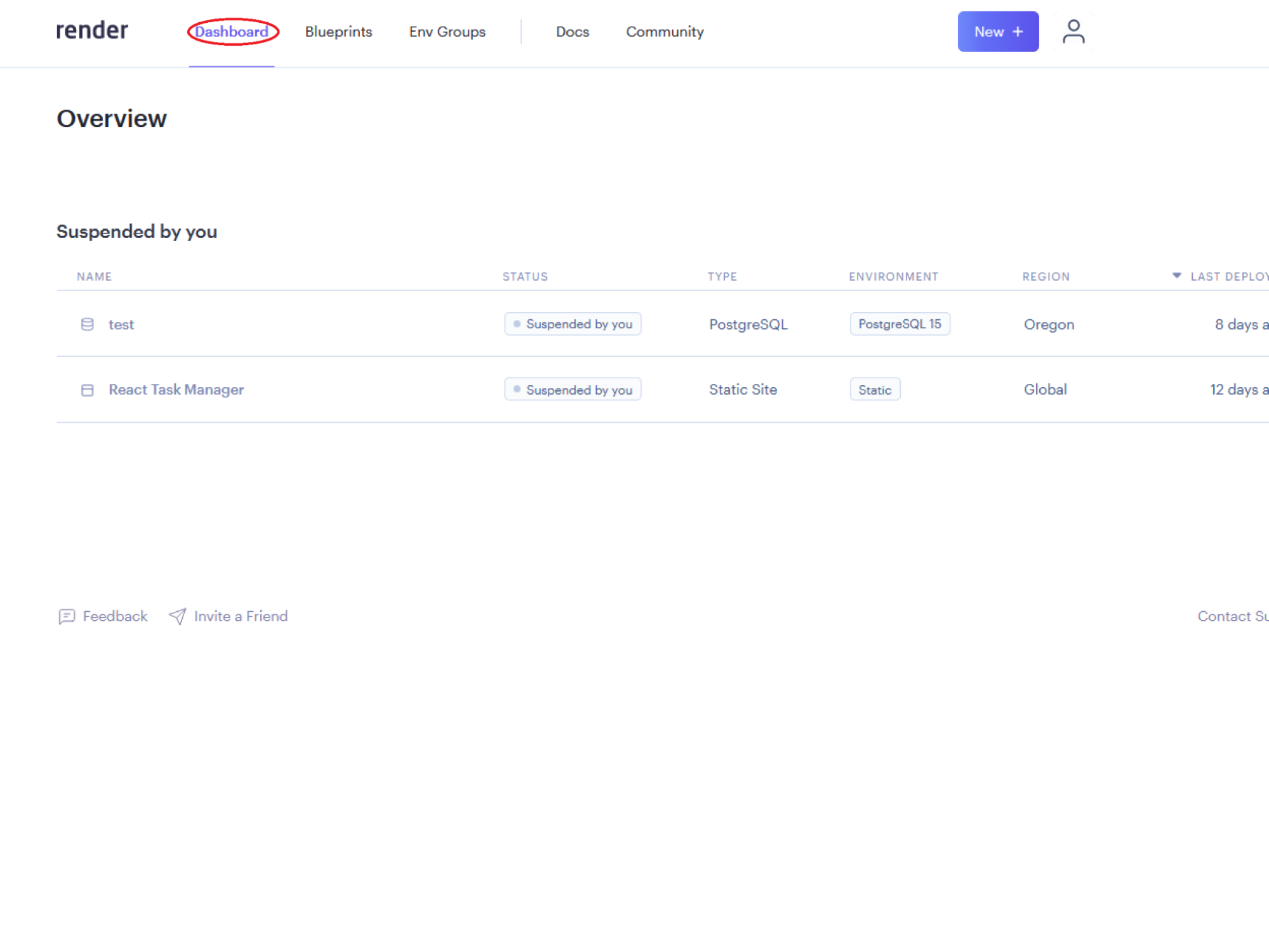
Log into the Render dashboard -
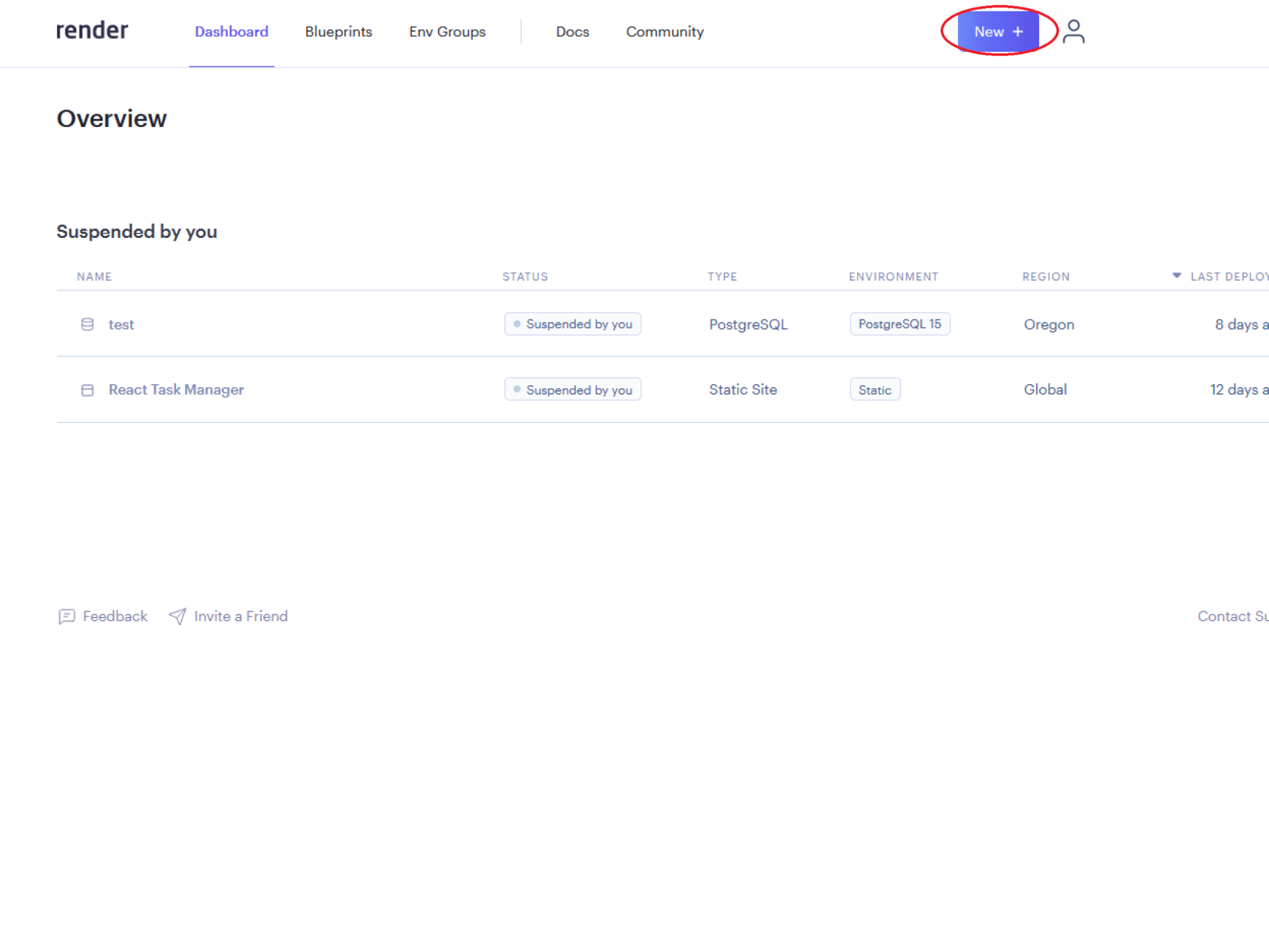
Click on the New + button -
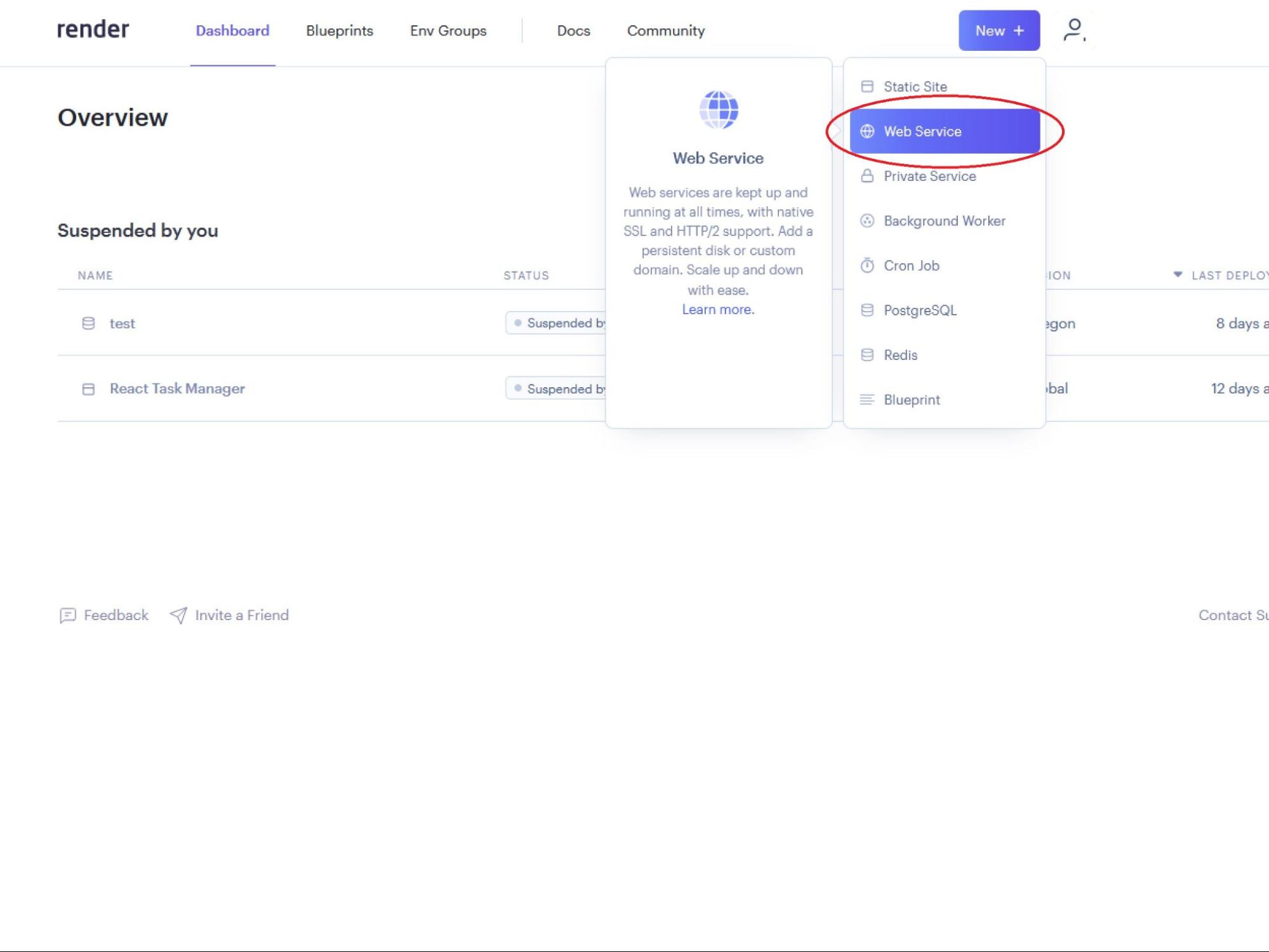
Click on Web Service from the dropdown list -
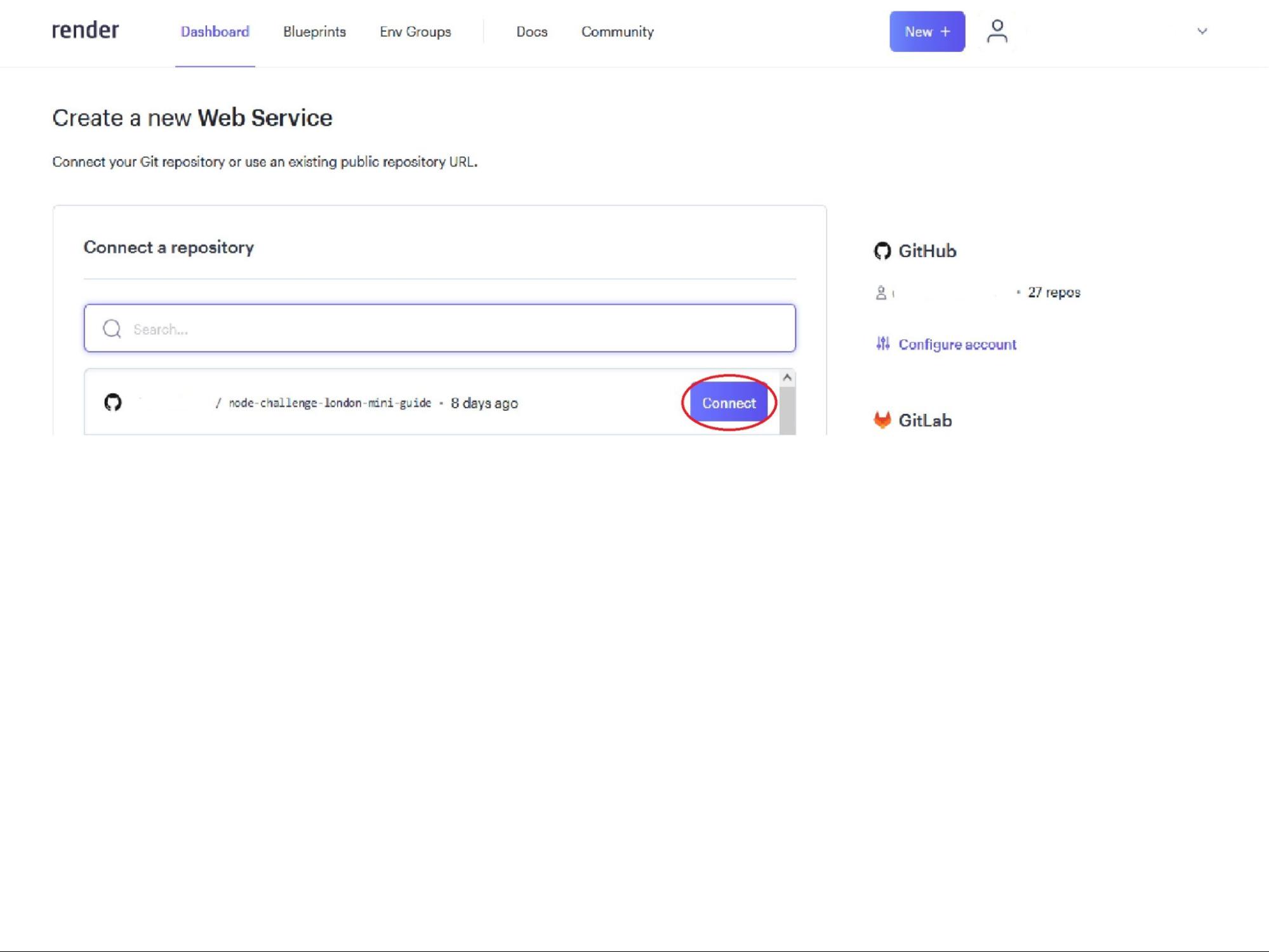
Select your repo to connect to Render by clicking on the Connect button -
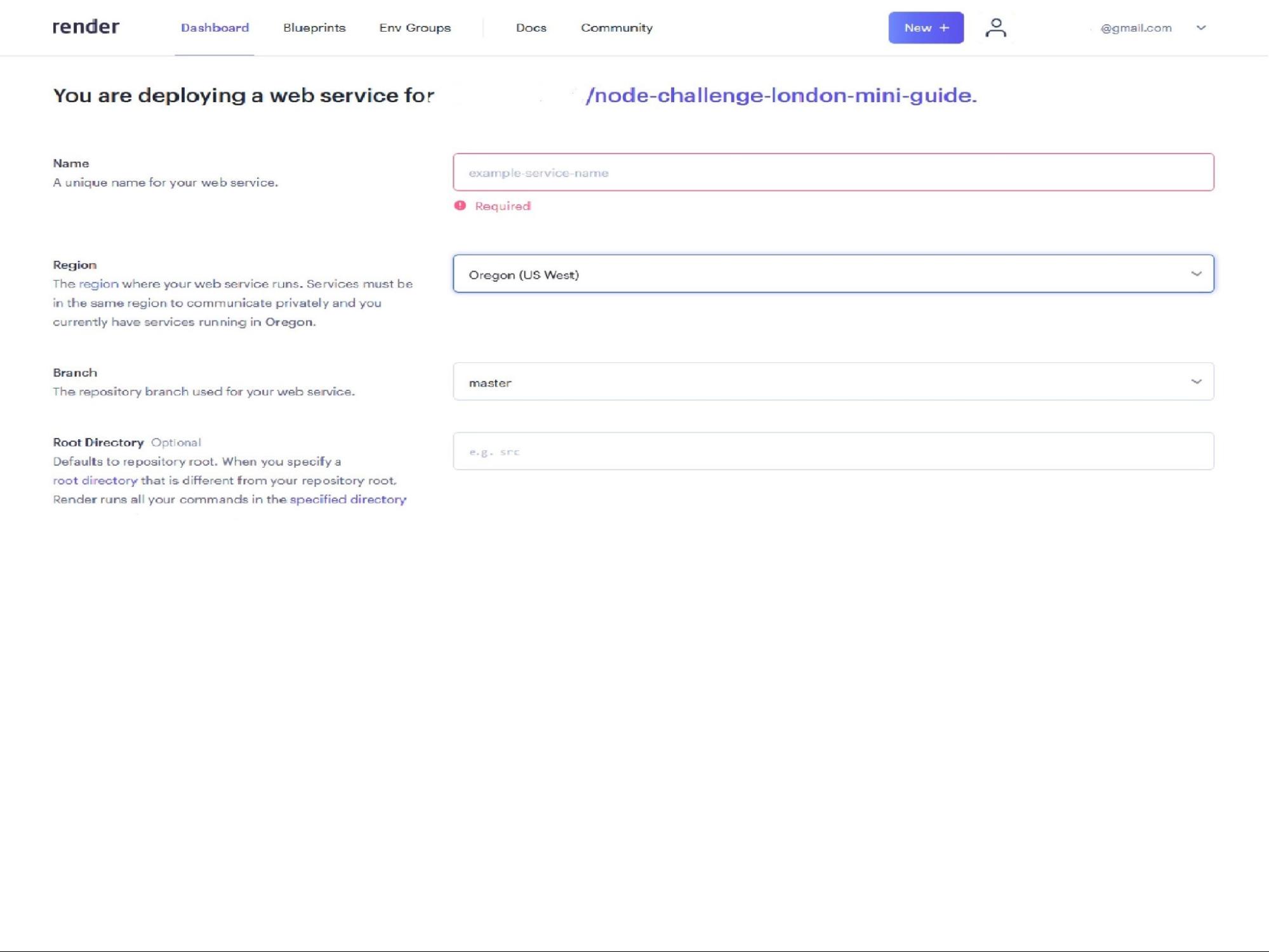
Fill out the Name field, which will be used to label the server within Render -
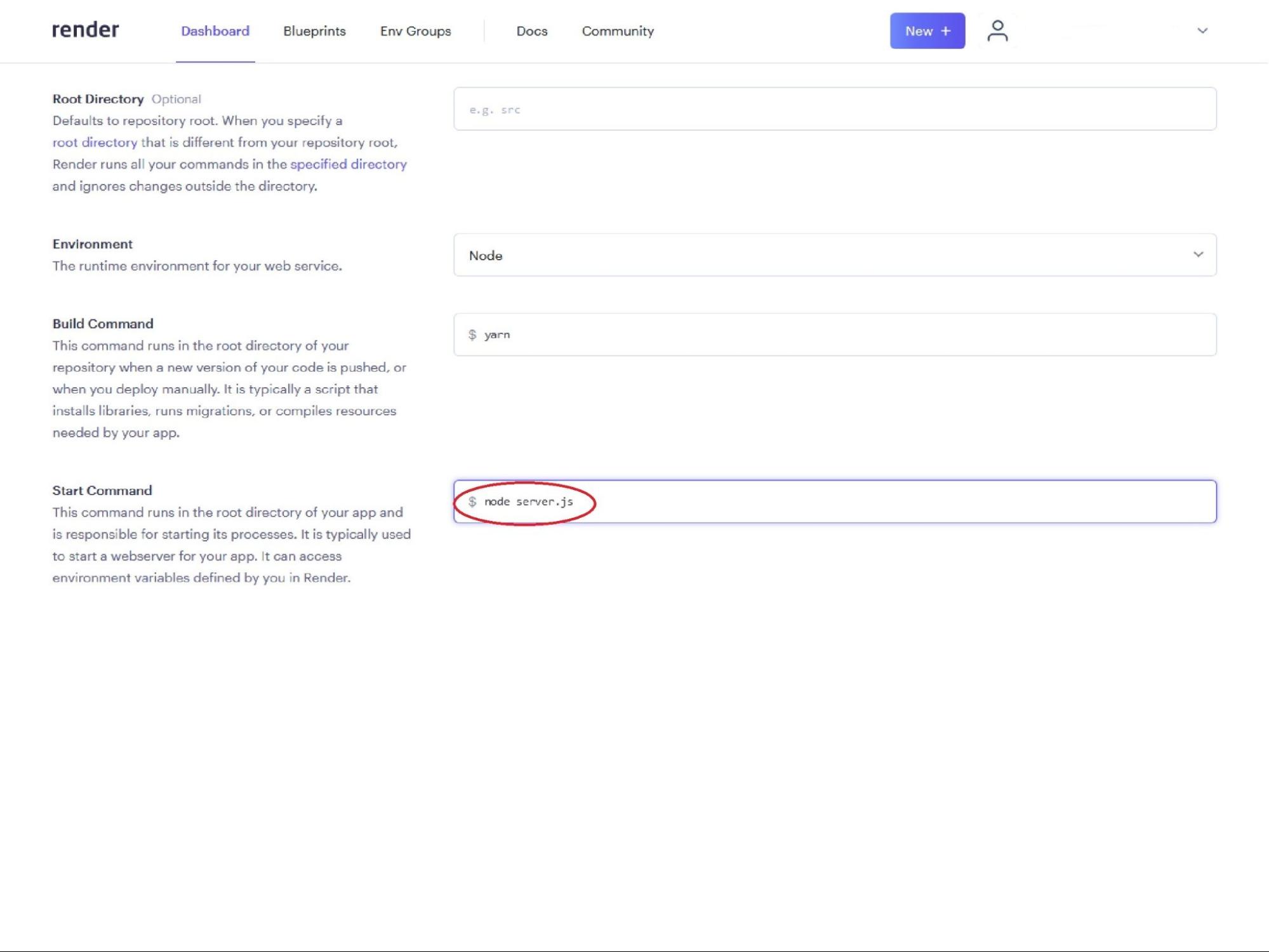
Provide a Start Command field. This should be in the format node YOUR_FILENAME.js, it is likelynode server.js -
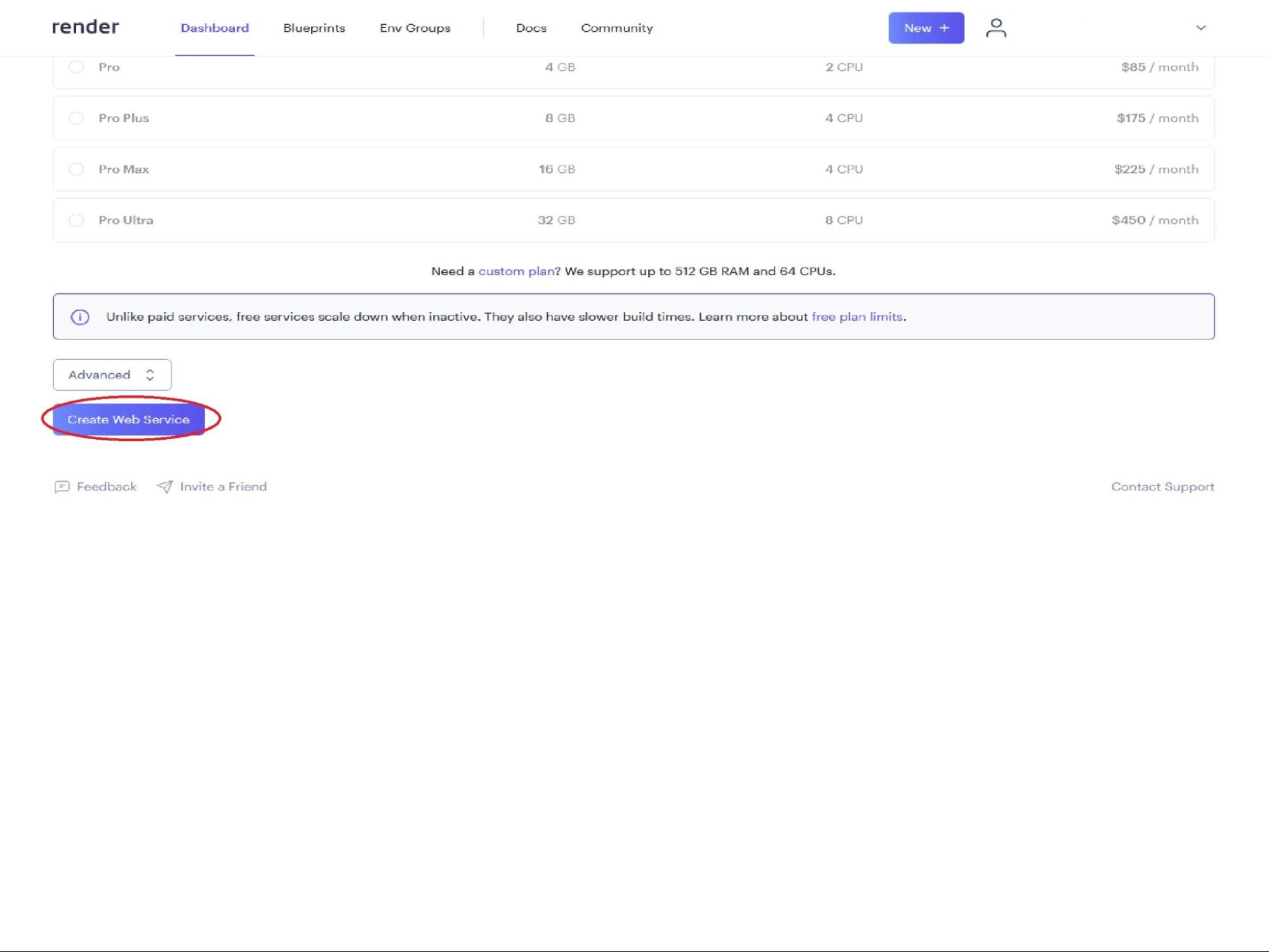
Create your new server by clicking on the Create Web Service button -
You should have been taken to the Build page for your new server
-
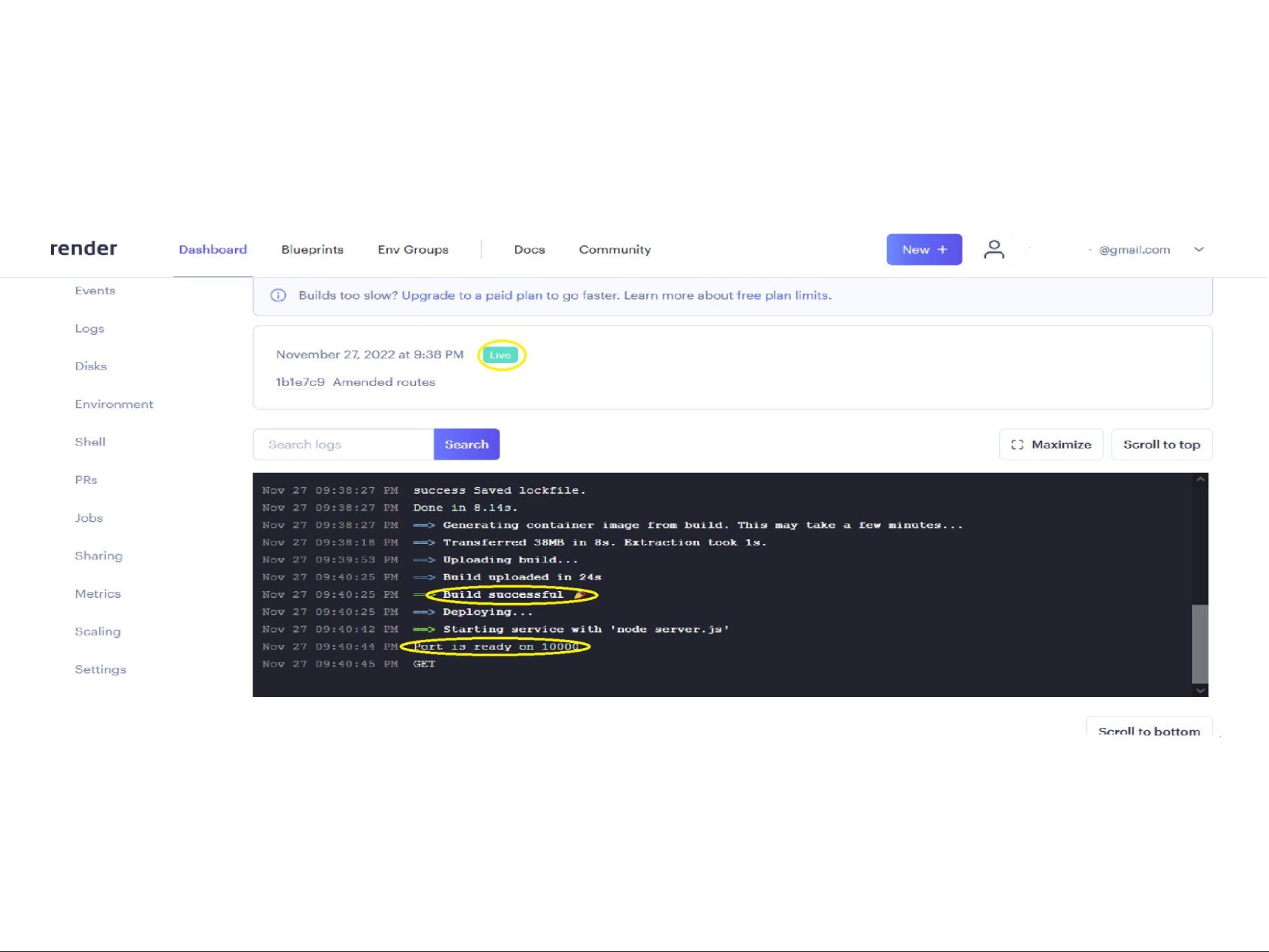
Wait for the build to complete. It should display Build successful as well as Live -
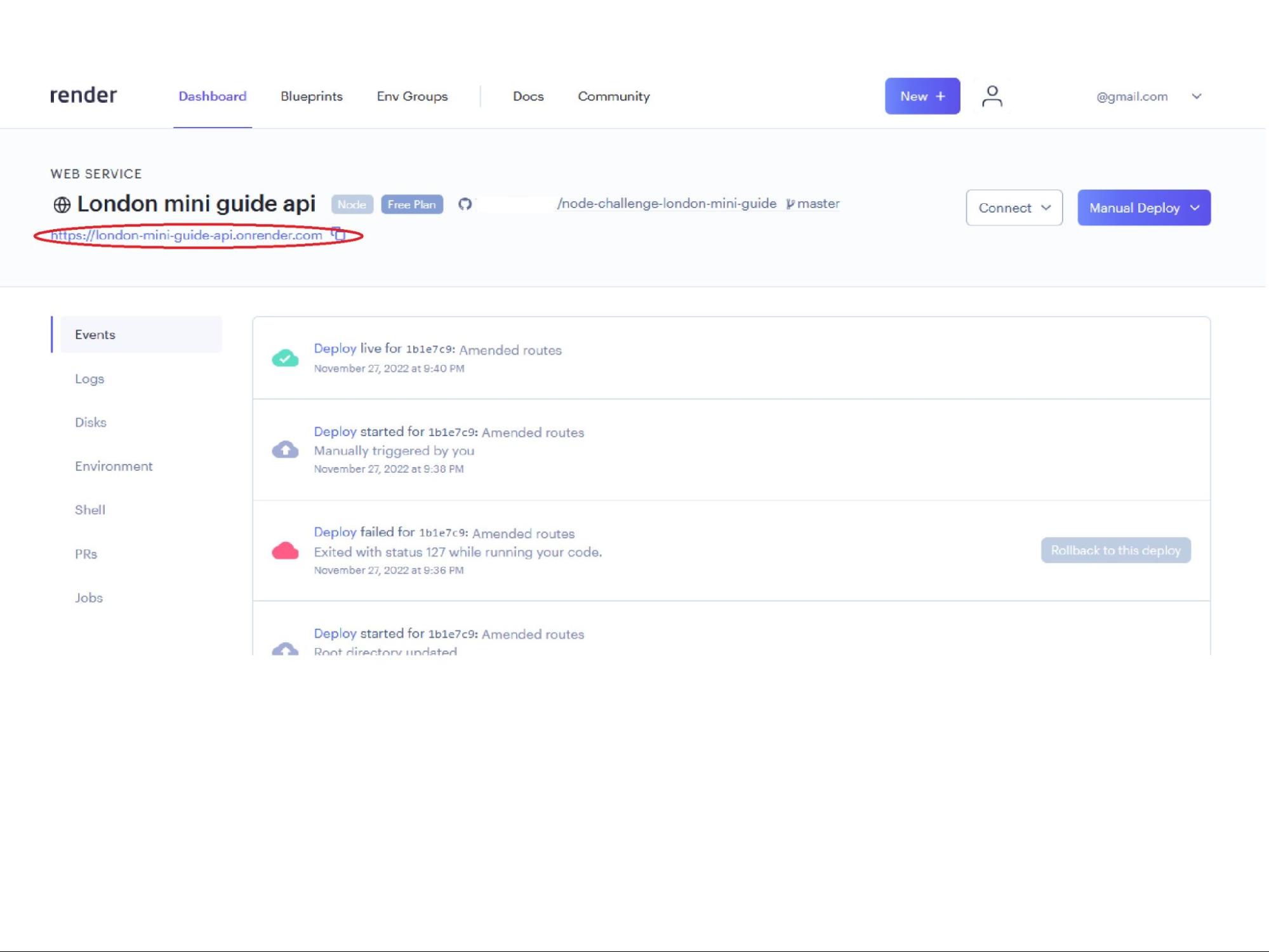
You can view your newly deployed server by clicking the URL at the top of Web Service page